Keep the next purchase path current
Move a printed code from a retired product or expired offer to the current Shopify destination.
FlashWombat helps Shopify merchants avoid replacing printed packaging when a product, offer, or campaign changes. Keep the public QR address stable and update where shoppers go instead.
Free plan with up to 50 QR campaigns · 7-day trial on paid plans

flashwombat.com/s/coffee-refillFrom print to Shopify
Keep the public QR address stable while you decide what the shopper should see next.
Move a printed code from a retired product or expired offer to the current Shopify destination.
Send shoppers to product education, a related collection, or a prepared cart that matches the printed message.
Open a product or collection while keeping counter, shelf, and window placements distinct.
Reuse a stable campaign address while the featured collection, bundle, or lifecycle fallback changes.
Inside FlashWombat
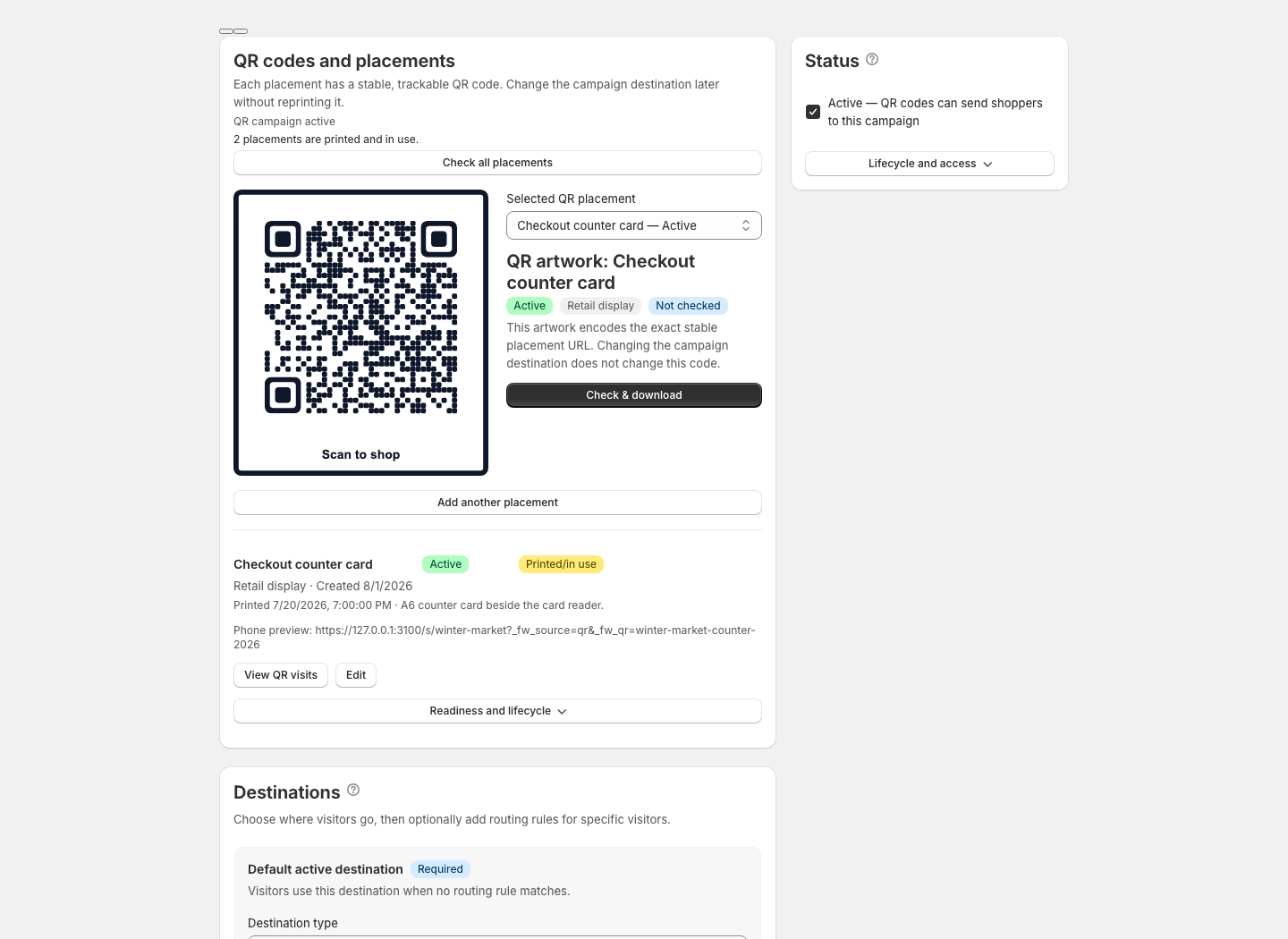
Choose the Shopify destination and physical placement first, then manage the stable artwork and changing campaign together.
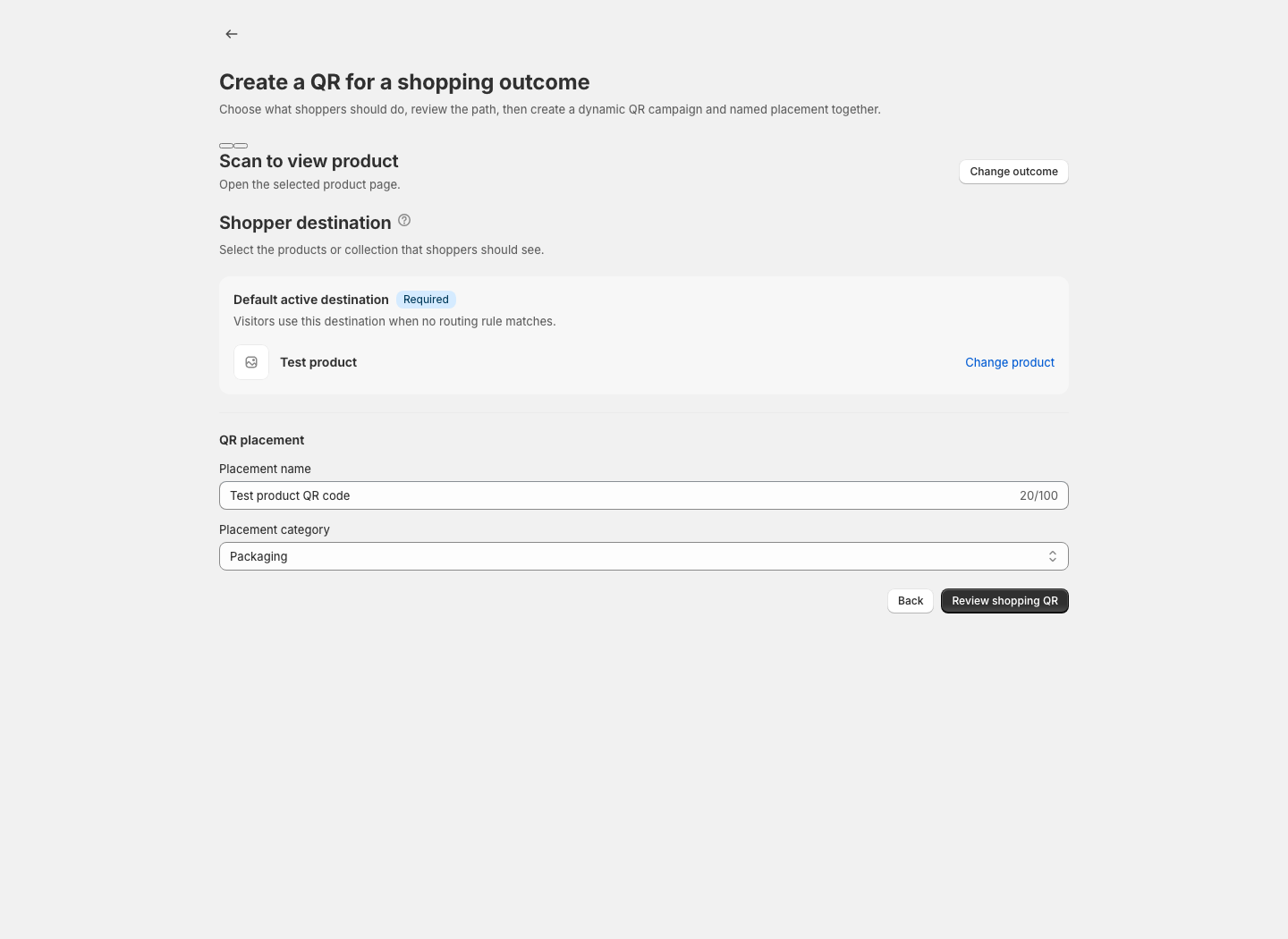
Five minutes to the first scan
Choose a product, collection, or ready cart, then name the packaging or display placement.
FlashWombat creates the campaign and first placement together. Download the default QR and confirm it reaches Shopify on your phone.
Check a production-size proof, then keep the printed address stable while destinations and campaign needs change.
QR campaign control
Manage the code shoppers see, the destination behind it, and the signals that help you decide what to change next.
Change the shopper destination while the public address encoded in deployed QR material stays stable.
Keep packaging, inserts, counters, and events separate inside one QR campaign.
Compare placement visits and supported checkout signals with clear attribution boundaries.
Use QR health checks, print preflight, lifecycle fallbacks, and warnings before risky changes.
Start with 50 campaigns on Free. Each campaign includes its supporting link and first placement; extra placements do not use another campaign allowance.
Prove the QR workflow
$0/monthFree planRun recurring campaigns
$15/month$144/year · save 20% · 7-day free trialScale QR operations
$29/month$278/year · save 20% · 7-day free trialThe practical details behind dynamic, trackable Shopify QR codes.
Start with one placement